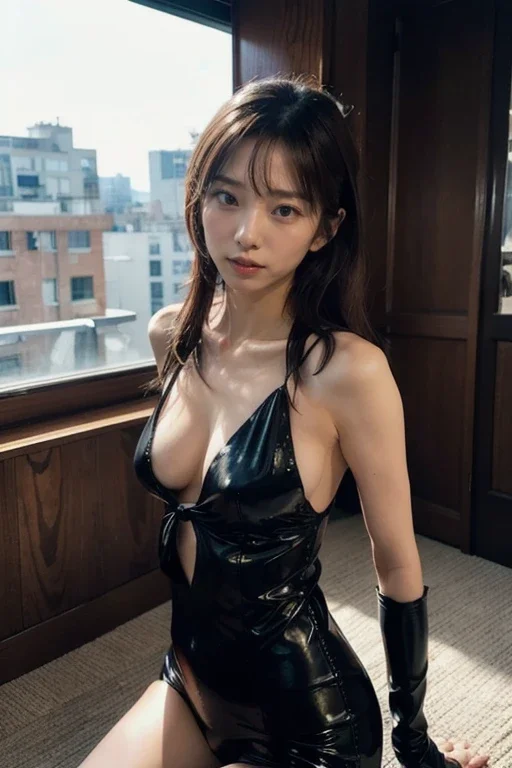
 Before
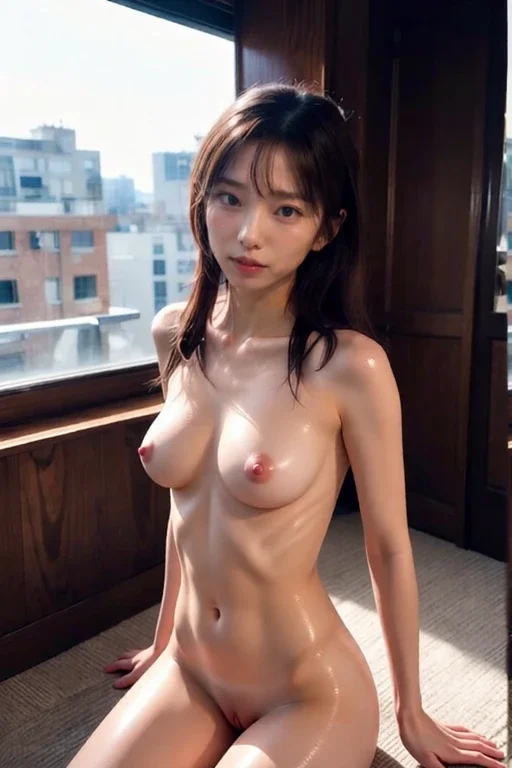 After
AfterBefore & after · AI result in under 3s
A deep nude image starts as a normal photo and ends as a synthetic one. The generator first maps the person's pose, body shape, skin tone, and the direction of light in the original shot. It then synthesizes new skin where clothing used to be, matching the contours it mapped so the result sits inside the same scene. Modern models do this in a single pass rather than the slow layered approach older software used. The output is generated, never a real photograph, and overall quality depends heavily on how clear and well lit the source image is.
Input quality decides most of the outcome. Sharp photos with even lighting, a clear subject, and visible clothing boundaries give the model the detail it needs to match skin texture and shading. Blurry, dark, or heavily filtered photos leave gaps the generator has to guess at, and guesses look synthetic. A photo where the body is partly hidden behind objects is also harder to interpret. For the most natural deep nude result, use a recent photo taken in good light at a reasonable resolution, and avoid heavy edits applied before upload.
People come to deep nude generation for different reasons. Some want to preview a look or an outfit change without booking a photographer. Others are simply curious about what current image models can do with a single still photo. The responsible line is simple: only run the tool on photos you own or where the person has given clear consent. Undress.cat treats every generation as fictional AI output. For a fuller picture of how clothing-removal models operate across many photo types, our undress AI guide walks through the full pipeline and its limits.
Privacy is where deep nude tools differ most. A careless service keeps uploads, logs them, or quietly trains on them. Undress.cat deletes every uploaded photo automatically once processing finishes, stores results only in your private gallery, and never uses your image for training. That model matters more here than on a typical app, because the photos people upload are personal by nature. If you are comparing this tool with the older software that popularized the term, our deep nude alternative breakdown explains how the current generation differs from it.
Starting is straightforward. Open the generator in any browser, upload a JPG, PNG, or WebP file, choose a style, and let the model work. Processing takes a few seconds on typical photos, and you see the result before deciding whether to keep going. There is nothing to install and no desktop software to manage, so the same tool works on a phone, a tablet, or a laptop. If you prefer an app-style experience built around the same technology, nudie.app is the companion product to try.